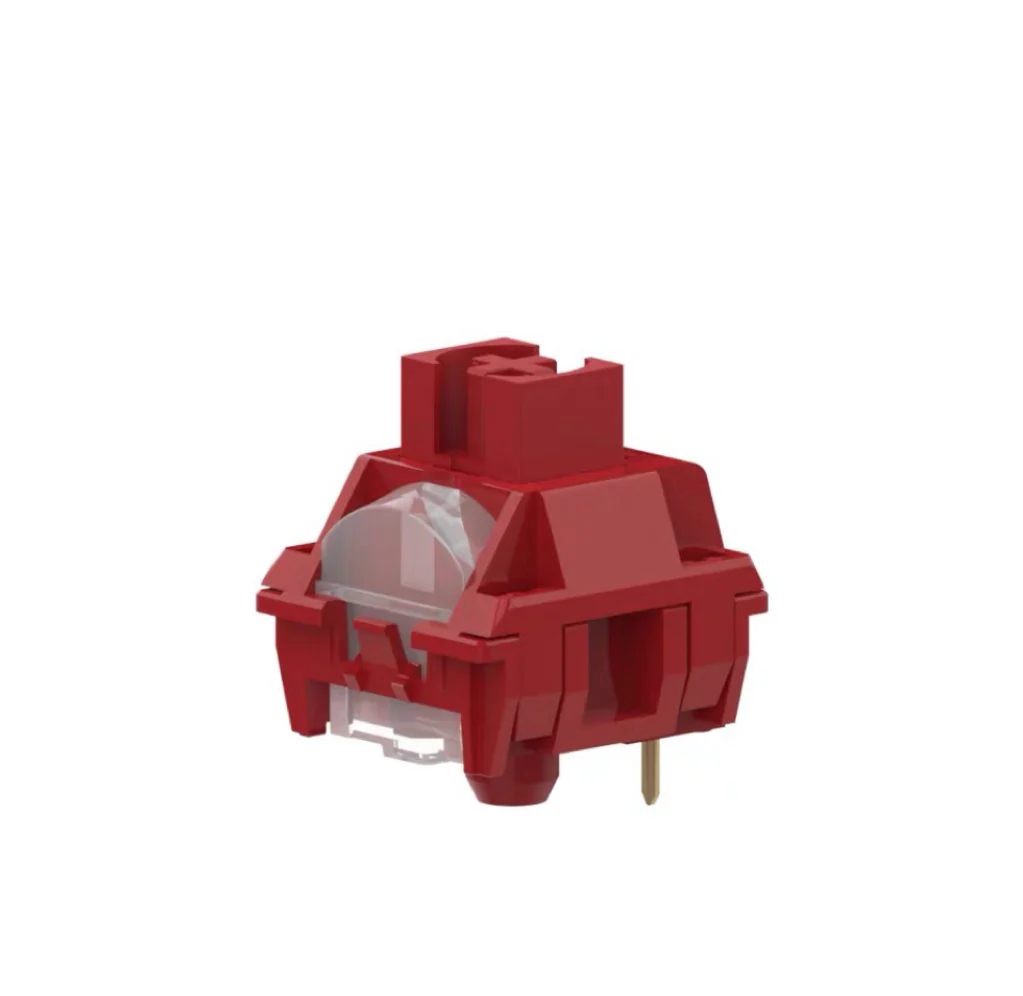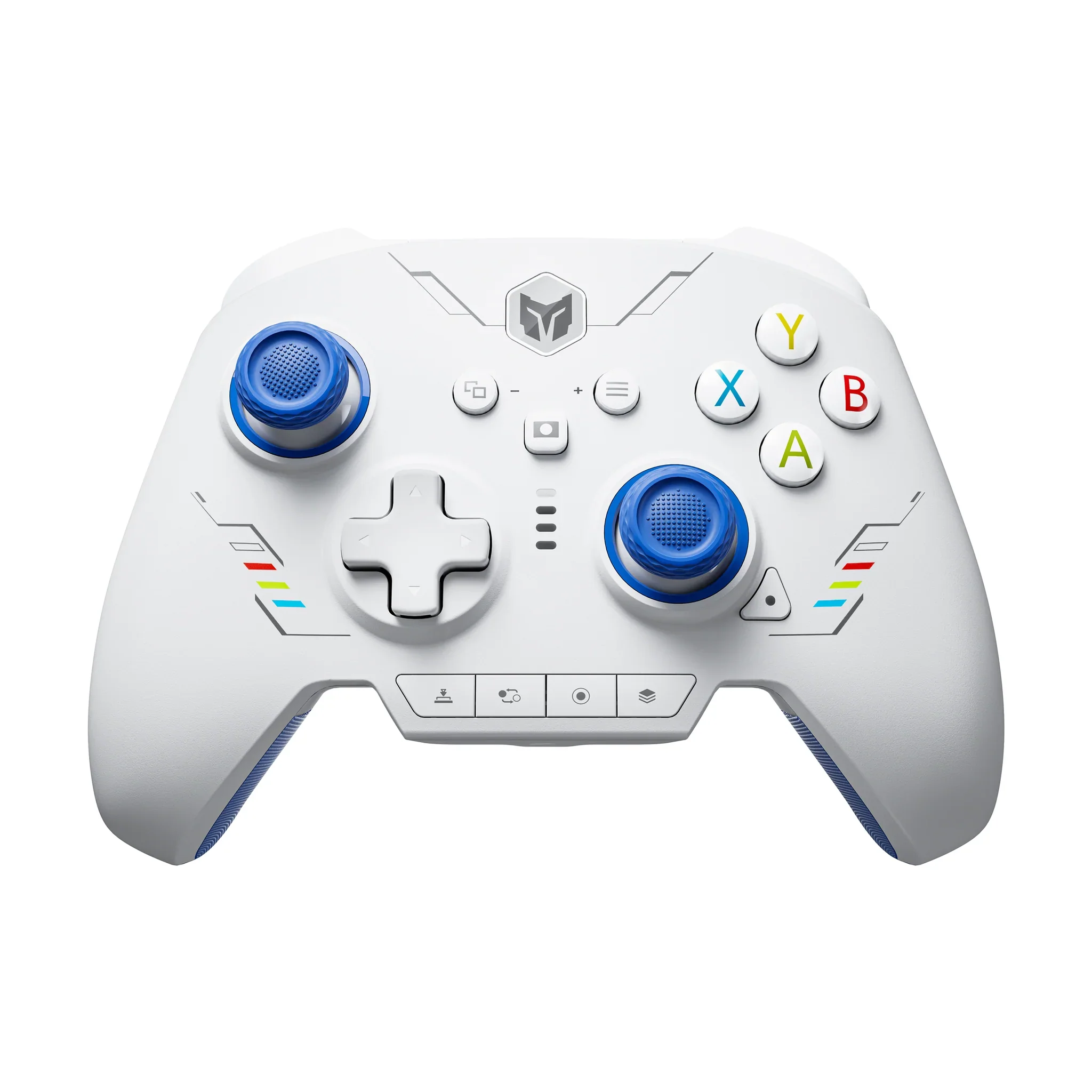
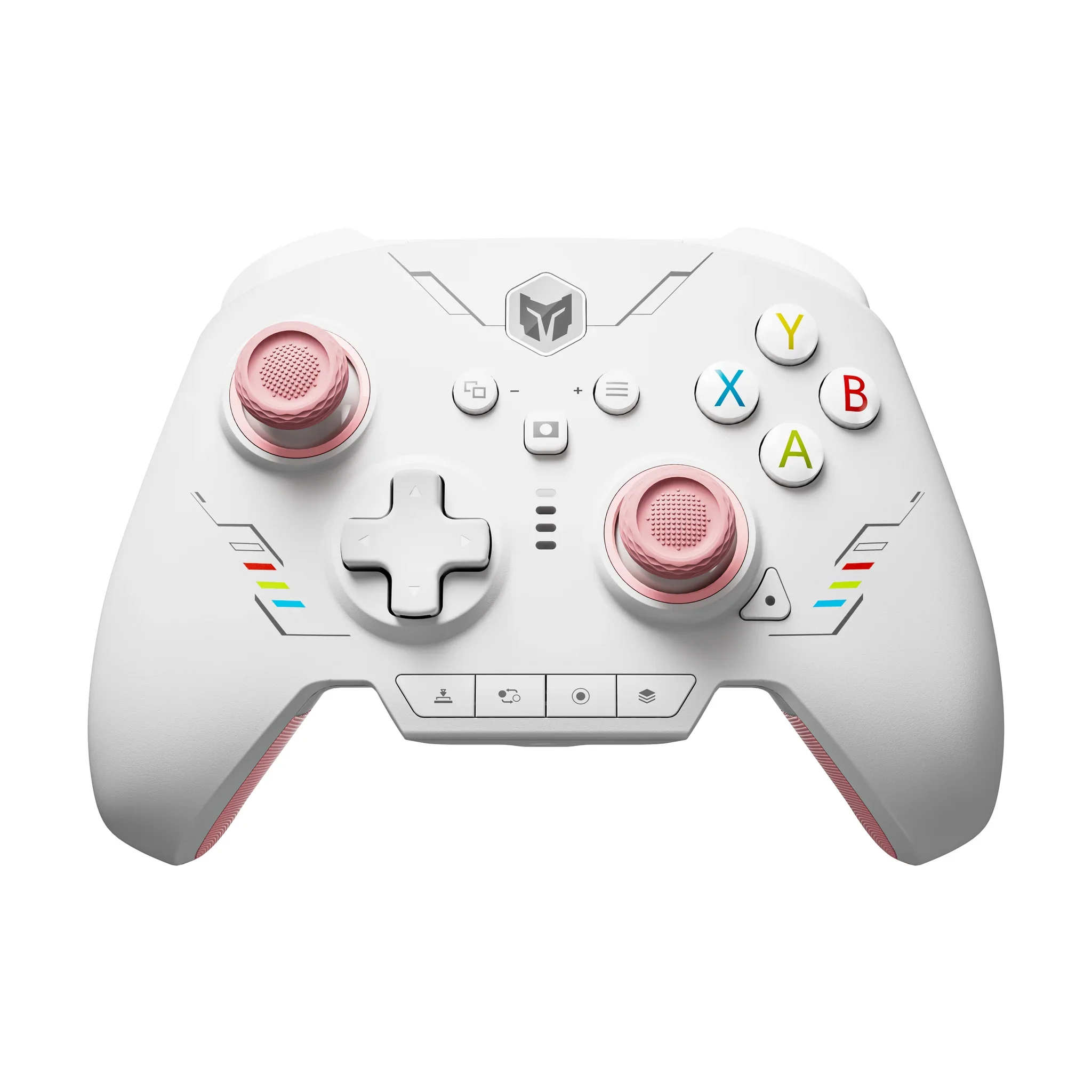
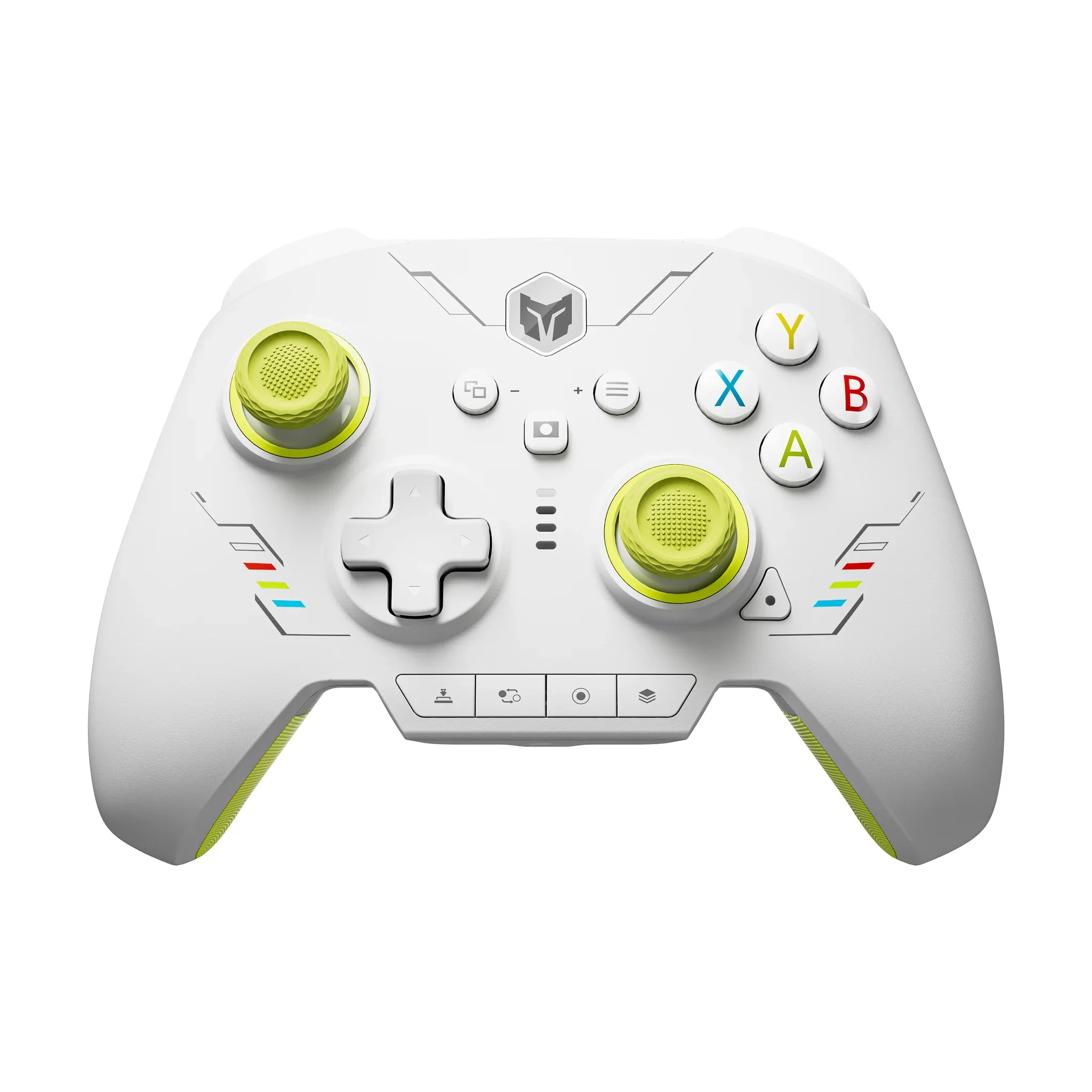
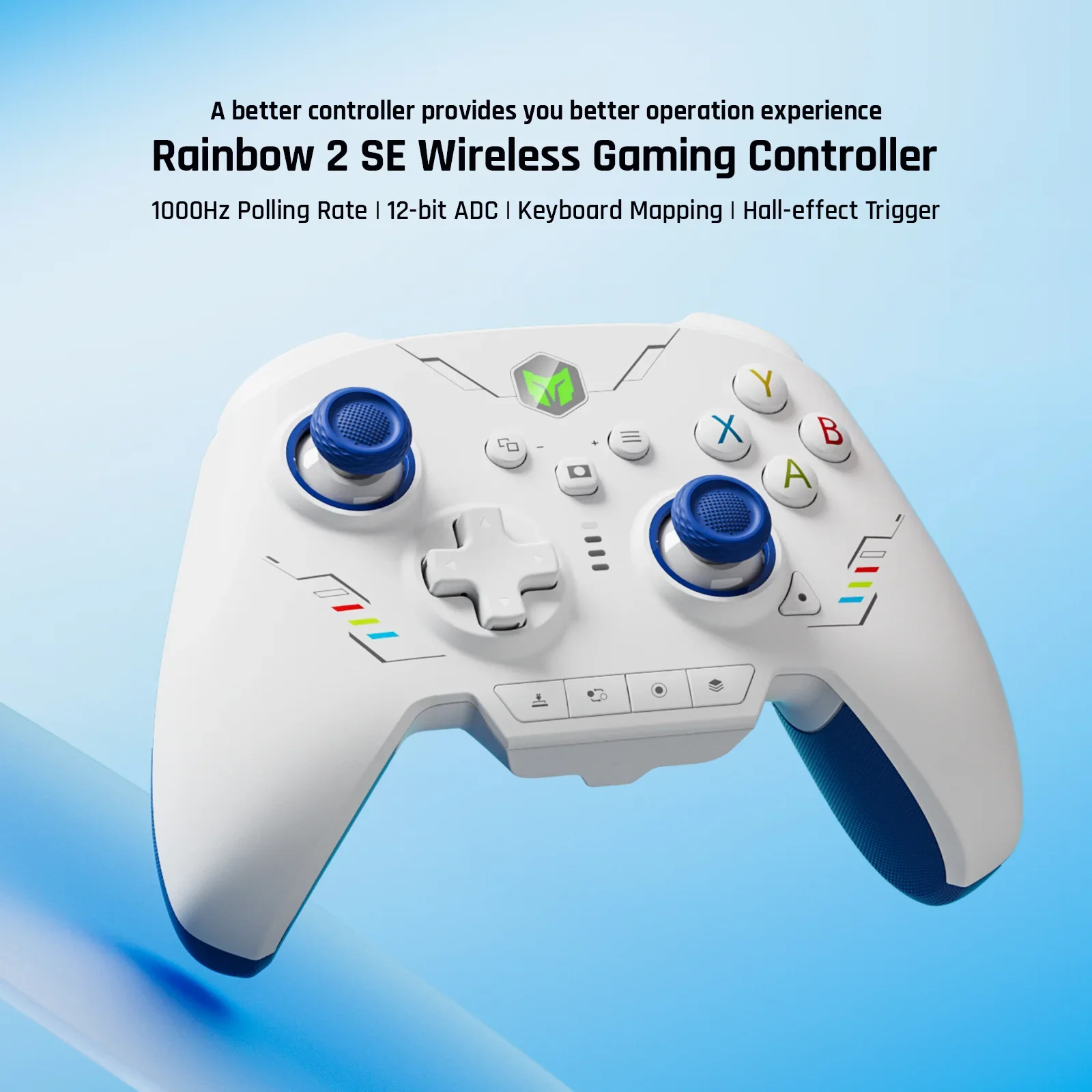
BIGBIG WON Rainbow 2 SE Gaming Controller
About this item
【Multi-platform Gaming Controllers】
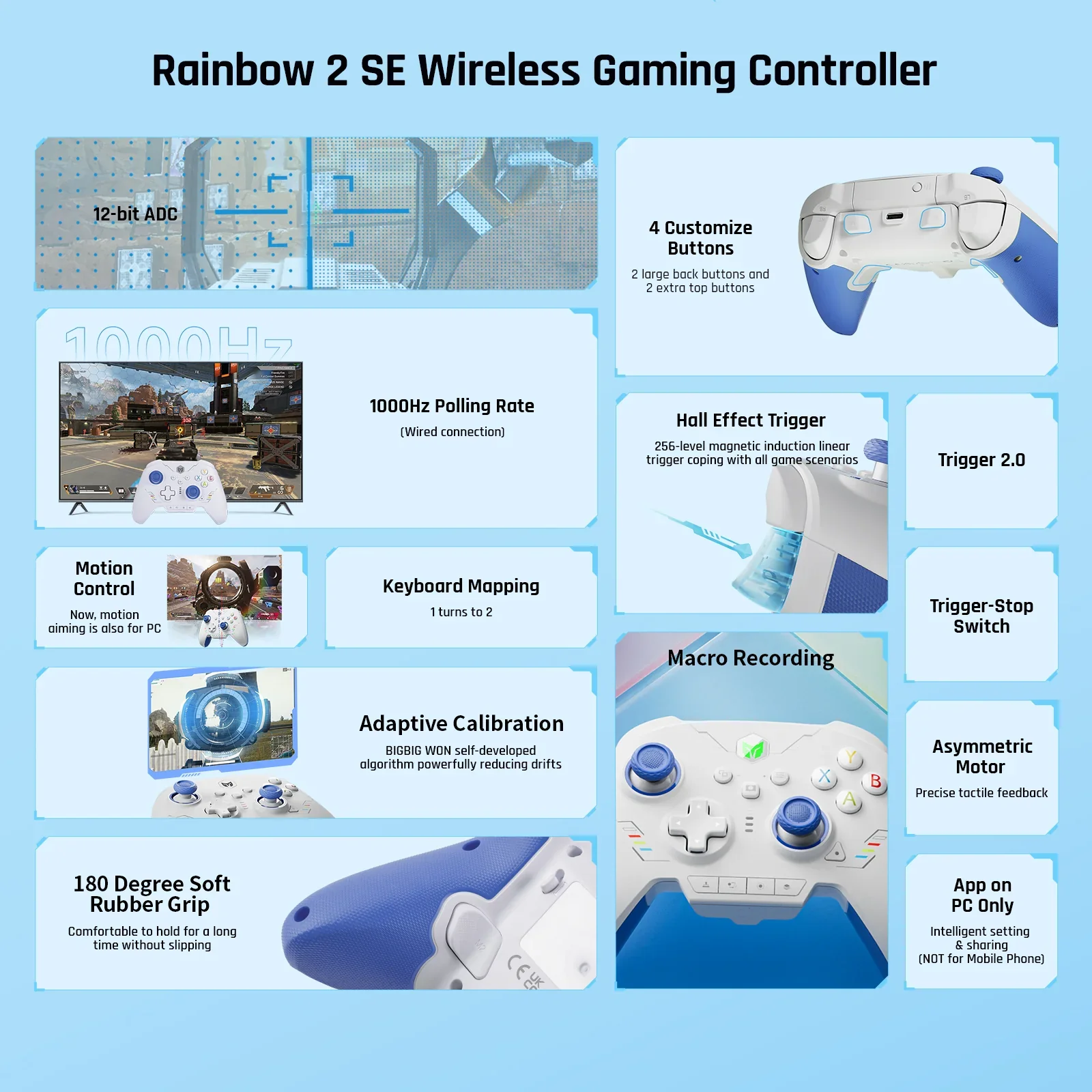
Wireless PC controller Rainbow 2 SE works for Switch, Windows 10&11Windows 10&11, Android7.0+, iOS14.0+and. PC controllers are designed with 2 custom back buttons, 2 top buttons, motion aiming, Turbo, Marco, dual motor, hall-effect triggers, 3 sets of joysticks, 4-way & 8-way D-pads, 1000Hz wired polling rate, 2000 levels axis resolution, built-in Bluetooth, keyboard mapping, App on PC (Not support on mobile). Rainbow 2 SE supports Black Myth: Wukong. 【Audio is NOT supported】
【2.4G USB & Bluetooth & Wired Connections】
A wireless gaming controller assists you in playing games with ease via a 2.4G wireless dongle, Bluetooth, or a USB cable connecting to various consoles, providing extremely reliable signals and connection without any interference and also helping play games more freely and flexibly compared with other game controllers. 【Ultra-high Polling Rate】Wired polling rate: 1000Hz, 2.4G & Bluetooth wireless polling rate: 125Hz.
【Motion Control】
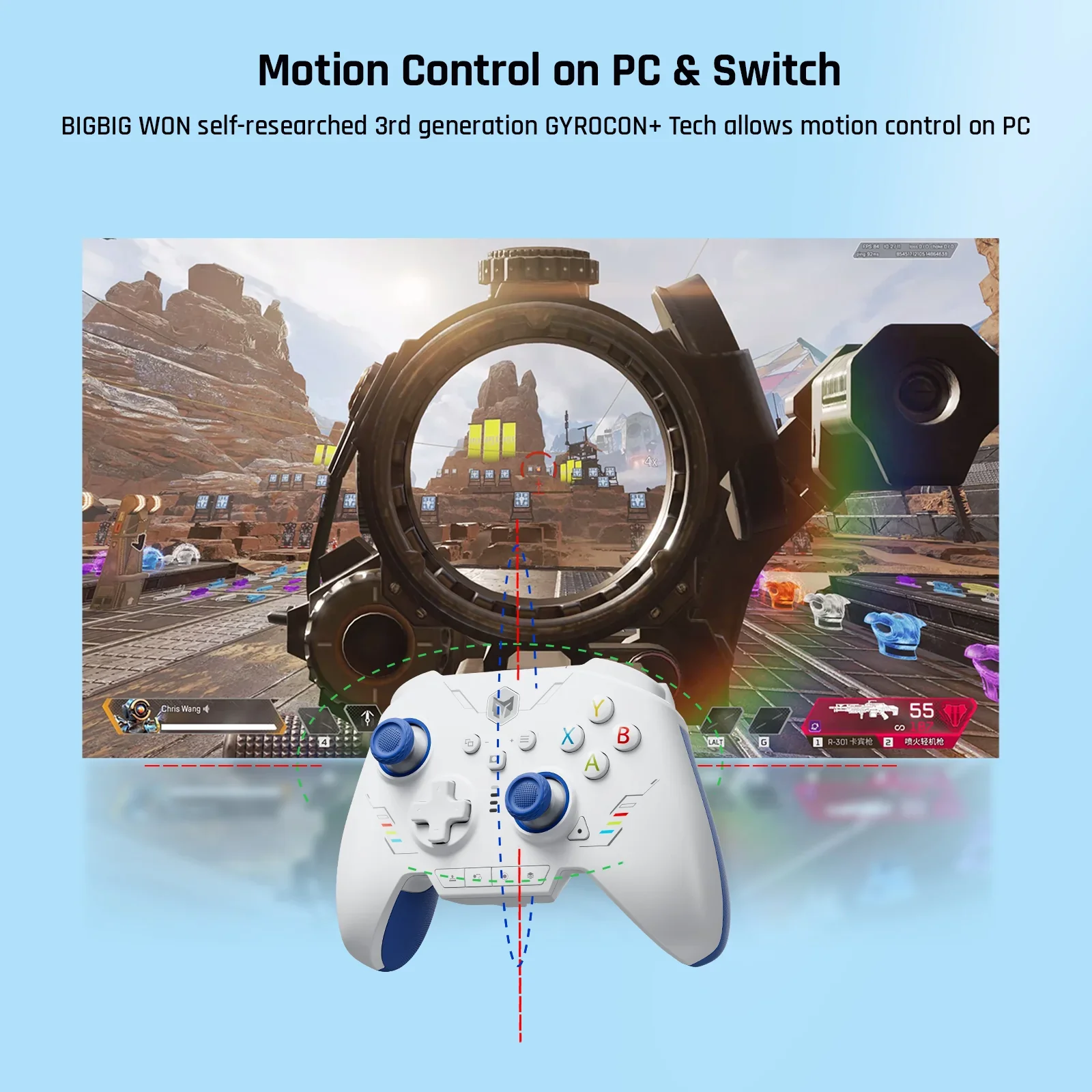
BIGBIG WON self-developed 3rd generation GYROCON+ Tech of PC gaming controller allows motion control on PC. Please do not turn on the motion aiming function on the Switch. Switch supports native motion control. 【Hall-effect Trigger】256-level hall trigger of Bluetooth controller provides precise control for racing, quick-fire, short pull for shooting games like APEX, and long pull for racing games like Forza Horizon 5.
【4 Customize Buttons】
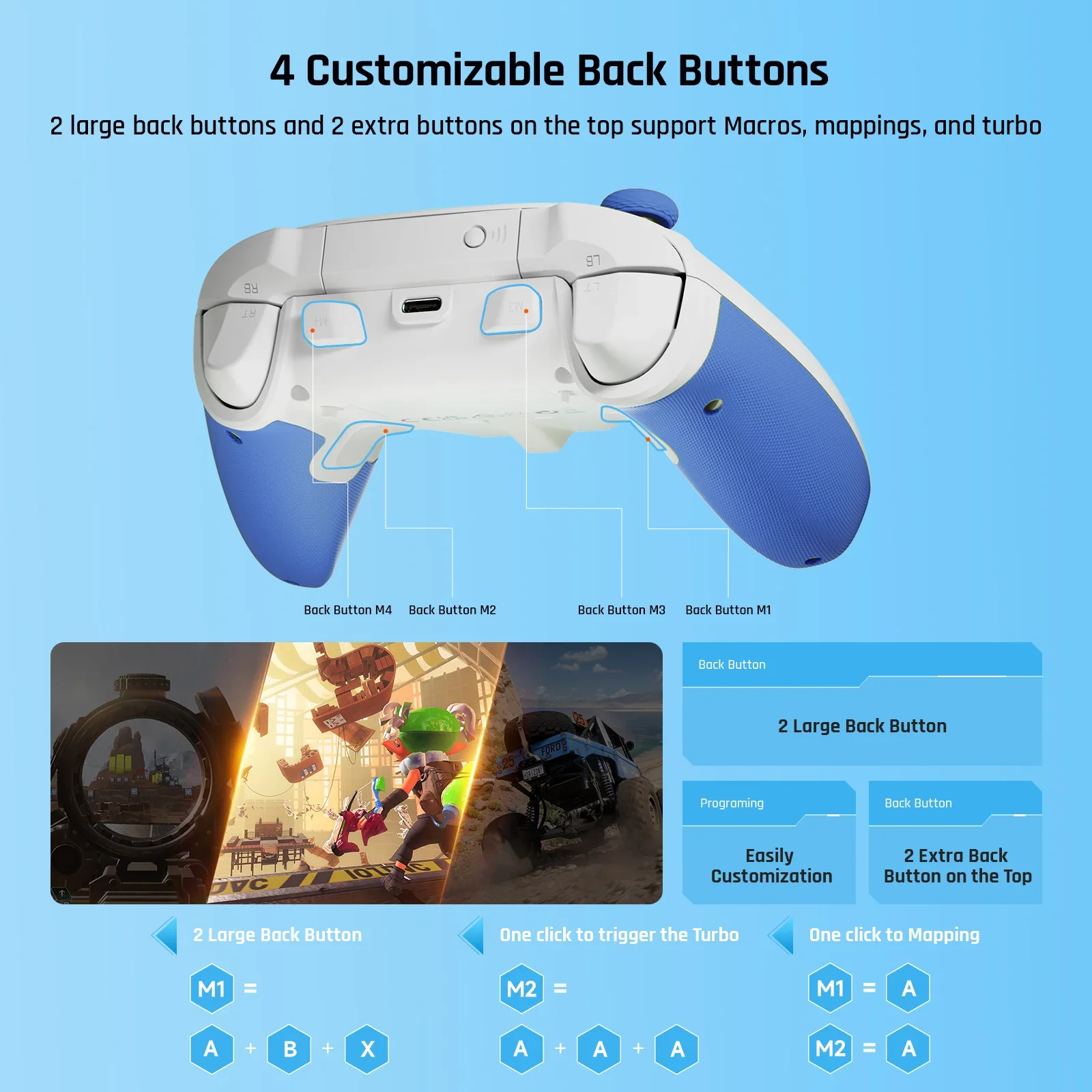
2 Back buttons & 2 top additional buttons pc controllers for gaming provide the function of Macro, Turbo, and Remapping buttons.
【Macro】
32-step Macro saves your time and makes editing easy.
【Dual Motor Vibration】
PC game controller gives you an immersive gaming experience. Try your favorite intensity from RAINBOW 2 SE 255-level vibration.
【12-bit ADC Joysticks】
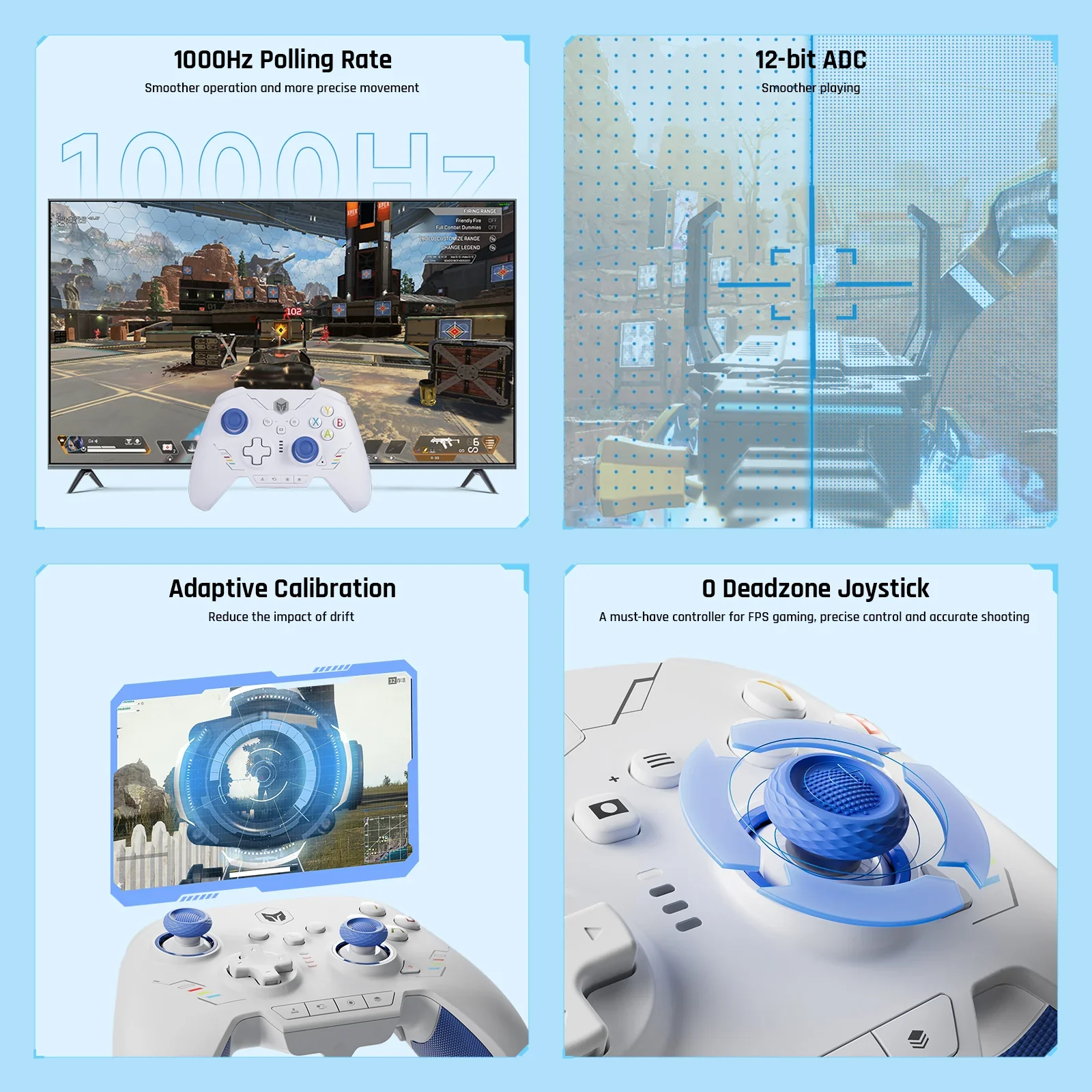
12-bit chip & 2000 levels axis resolution operate games more smoothly. There are 3 sets of joysticks for the Rainbow 2 SE controller, short/middle/high. BIGBIG WON adaptive calibration reduces the drift to the lowest without any operation.
【0 Deadzone】
Gaming controller for FPS gaming ensures precise control and accurate shooting.
【4-way &8-way D-pads】
4-way D-pad is designed for every game, and the 8-way D-pad is specially for FTG Games. Choose the configuration you like.
【APP on PC】
Rainbow 2 SE wired controller supports APP customizing and quick setting on PC. Easily adjust motion control, joystick, trigger, buttons, and MACRO. The app is NOT supported on mobile.
【Keyboard Mapping】
RAINBOW 2 SE wireless game controller supports keyboard mapping. You can use various advanced skills in the game through simple settings in the APP. 【Reset】Press and hold the HOME button for 10 seconds until the controller vibrates.
【Notes】
RAINBOW 2 SE controllers support both X-input and Switch modes, you need to switch to the corresponding console's mode after connecting with the console to use it normally, the default is X-input mode.【Steam】It is recommended to block Steam output to protect the controller's origin input.【Switch】After connecting to the Switch, you need to enable "Settings - Controllers and Sensors - Pro Controller Wired Connection.
Original: $59.99
-65%$59.99
$21.00Product Information
Product Information
Shipping & Returns
Shipping & Returns
Description
About this item
【Multi-platform Gaming Controllers】
Wireless PC controller Rainbow 2 SE works for Switch, Windows 10&11Windows 10&11, Android7.0+, iOS14.0+and. PC controllers are designed with 2 custom back buttons, 2 top buttons, motion aiming, Turbo, Marco, dual motor, hall-effect triggers, 3 sets of joysticks, 4-way & 8-way D-pads, 1000Hz wired polling rate, 2000 levels axis resolution, built-in Bluetooth, keyboard mapping, App on PC (Not support on mobile). Rainbow 2 SE supports Black Myth: Wukong. 【Audio is NOT supported】
【2.4G USB & Bluetooth & Wired Connections】
A wireless gaming controller assists you in playing games with ease via a 2.4G wireless dongle, Bluetooth, or a USB cable connecting to various consoles, providing extremely reliable signals and connection without any interference and also helping play games more freely and flexibly compared with other game controllers. 【Ultra-high Polling Rate】Wired polling rate: 1000Hz, 2.4G & Bluetooth wireless polling rate: 125Hz.
【Motion Control】
BIGBIG WON self-developed 3rd generation GYROCON+ Tech of PC gaming controller allows motion control on PC. Please do not turn on the motion aiming function on the Switch. Switch supports native motion control. 【Hall-effect Trigger】256-level hall trigger of Bluetooth controller provides precise control for racing, quick-fire, short pull for shooting games like APEX, and long pull for racing games like Forza Horizon 5.
【4 Customize Buttons】
2 Back buttons & 2 top additional buttons pc controllers for gaming provide the function of Macro, Turbo, and Remapping buttons.
【Macro】
32-step Macro saves your time and makes editing easy.
【Dual Motor Vibration】
PC game controller gives you an immersive gaming experience. Try your favorite intensity from RAINBOW 2 SE 255-level vibration.
【12-bit ADC Joysticks】
12-bit chip & 2000 levels axis resolution operate games more smoothly. There are 3 sets of joysticks for the Rainbow 2 SE controller, short/middle/high. BIGBIG WON adaptive calibration reduces the drift to the lowest without any operation.
【0 Deadzone】
Gaming controller for FPS gaming ensures precise control and accurate shooting.
【4-way &8-way D-pads】
4-way D-pad is designed for every game, and the 8-way D-pad is specially for FTG Games. Choose the configuration you like.
【APP on PC】
Rainbow 2 SE wired controller supports APP customizing and quick setting on PC. Easily adjust motion control, joystick, trigger, buttons, and MACRO. The app is NOT supported on mobile.
【Keyboard Mapping】
RAINBOW 2 SE wireless game controller supports keyboard mapping. You can use various advanced skills in the game through simple settings in the APP. 【Reset】Press and hold the HOME button for 10 seconds until the controller vibrates.
【Notes】
RAINBOW 2 SE controllers support both X-input and Switch modes, you need to switch to the corresponding console's mode after connecting with the console to use it normally, the default is X-input mode.【Steam】It is recommended to block Steam output to protect the controller's origin input.【Switch】After connecting to the Switch, you need to enable "Settings - Controllers and Sensors - Pro Controller Wired Connection.